
Integrations
One inventory, every channel you sell on
Connect Shopify, WooCommerce and Webflow, embed your works on any page, and let each sync take sold works off your shops.
For galleries · plans from $59₹3,999€55£49A$89C$89NZ$109S$79AED 219HK$459CHF 55¥8,900 a month · Your first month is on us: 30 days, no card needed
Where your records go
- Shopify, WooCommerce and WebflowArtworks go out from the records in Artfolio, with their prices and images.
- Sold in Artfolio, off your shopsThe next sync sets a sold work to draft on Shopify and WooCommerce, and archives it in Webflow unless you keep sold works listed there.
- On a site you already haveShow your public works on a website you already have, with an embed that runs only on the sites you approve.
A summary of the channels, not a screenshot
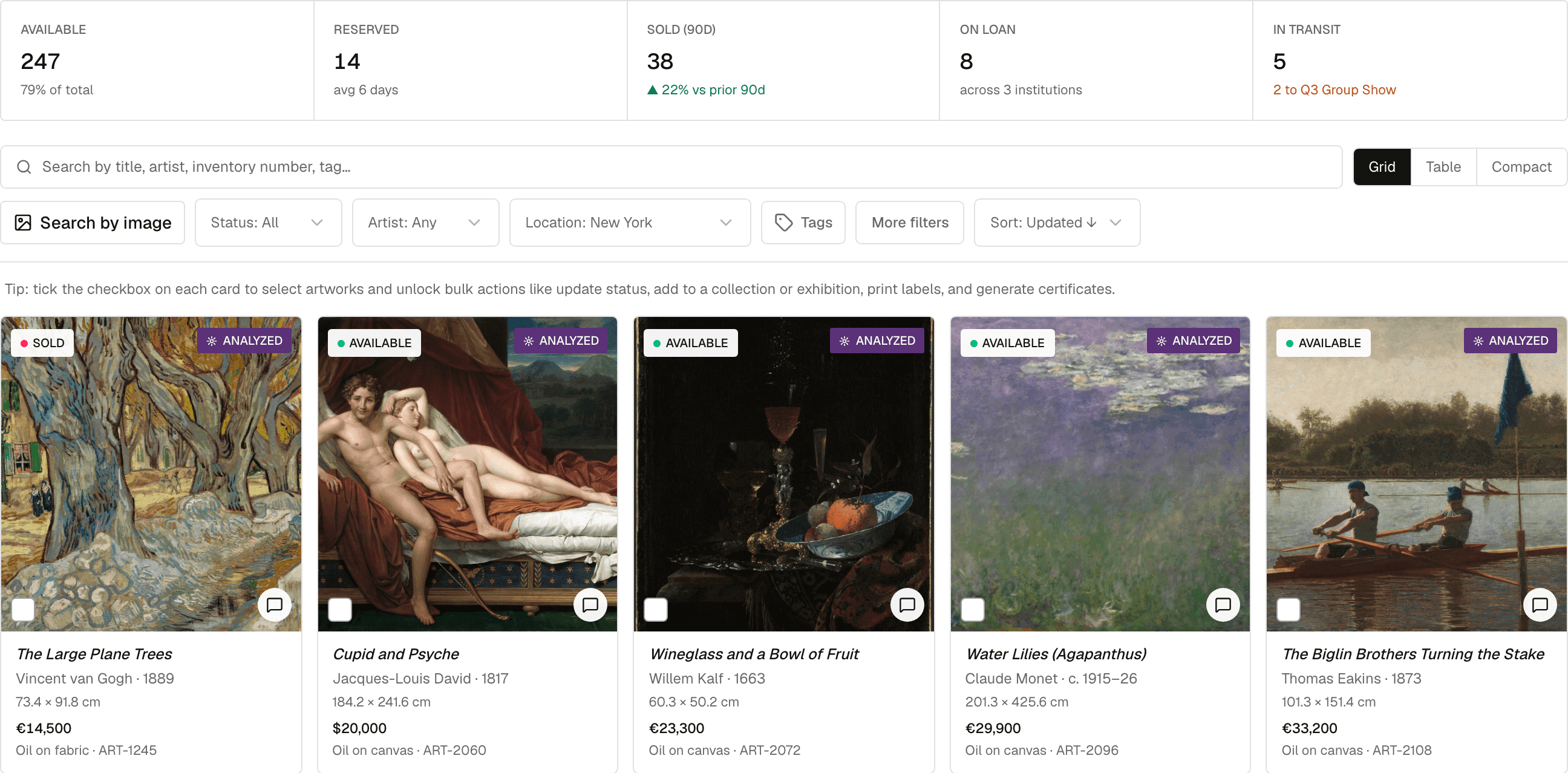
Your shops, from one catalogue
- Sync to Shopify. Push artworks to your Shopify store with prices, images and metafields, matched by SKU. Edit a piece in Artfolio and the change flows to the storefront — no double data entry.
- Sync to WooCommerce. Mirror your catalogue into WordPress and WooCommerce with attributes and metadata intact, so your existing site keeps selling without becoming a second source of truth.
- Sync to Webflow. Map artwork fields to your Webflow CMS collection and publish from Artfolio. Your designer keeps the site they built; you keep one inventory behind it.
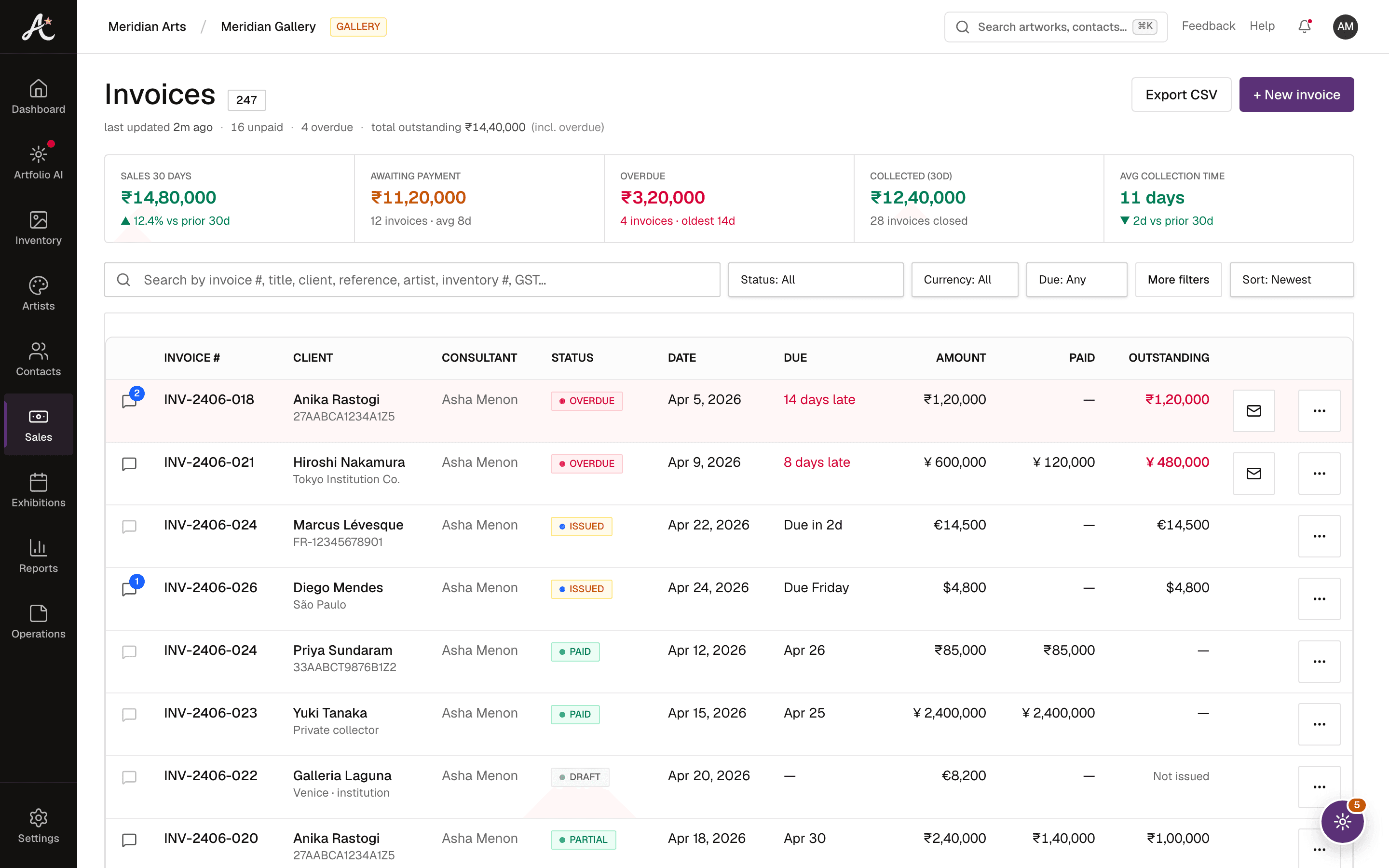
Sold here, off there
- Sold in Artfolio, off your shops. Mark a work sold in Artfolio and the next sync sets it to draft on Shopify and WooCommerce, and archives it in your Webflow CMS (it leaves the live Webflow site at your next publish) unless you've chosen to keep sold works listed there. Record a sale made on a shop in Artfolio too: shop orders aren't read back yet.
- Change detection that only syncs what moved. A content hash on each artwork means an ordinary sync pushes only the records that changed (a forced retry pushes unchanged records too), with a per-sync log and a circuit breaker that pauses a channel if it starts failing.
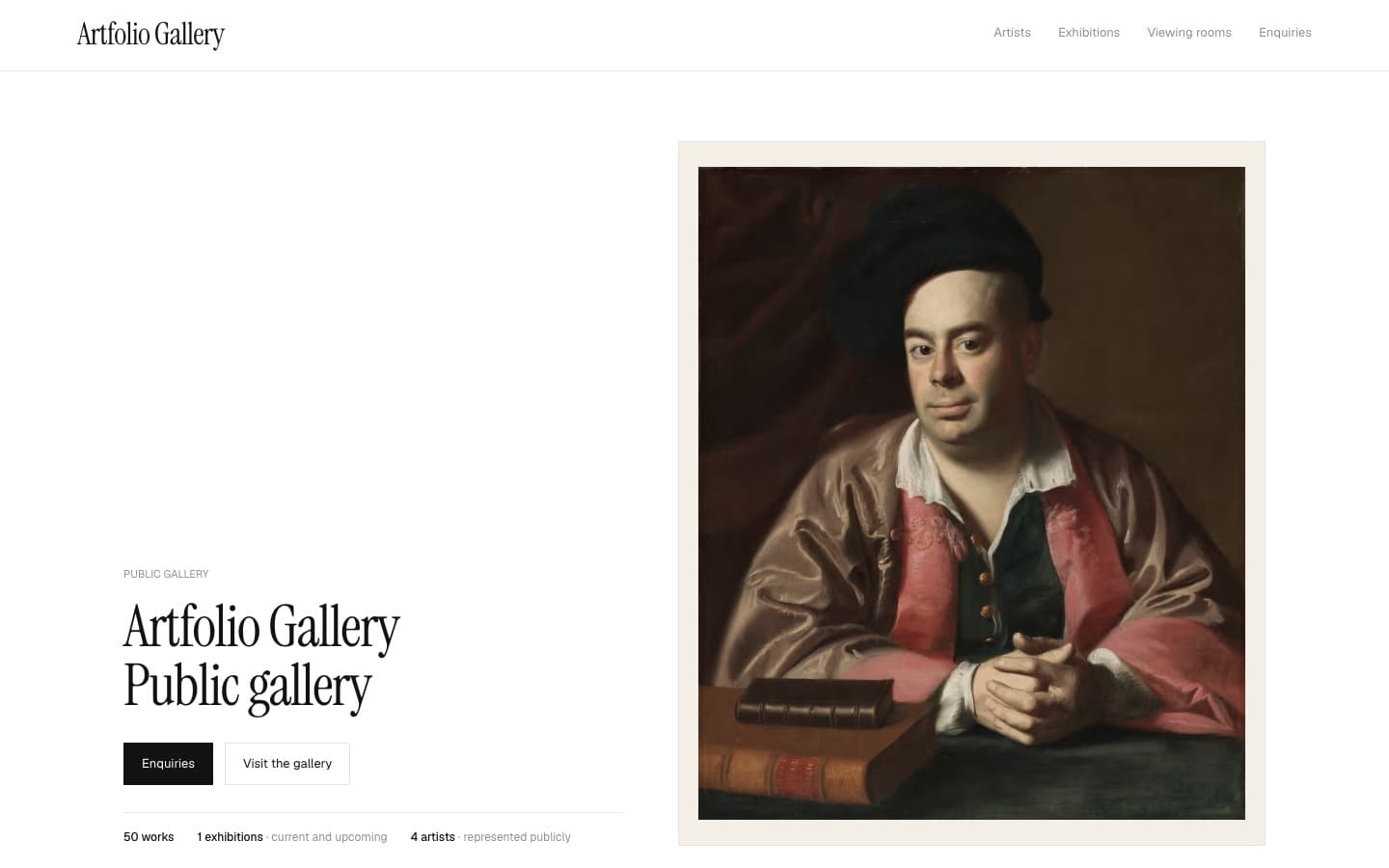
On a site you already have
- Show your public works on a website you already have, with an embed that runs only on the sites you approve.
- Embed a gallery widget anywhere. Drop a lightweight, public artwork widget onto any website or landing page. It reads your live inventory each time the page loads (cached for up to five minutes), so it loads fast and a sold piece drops off on a later visit.
What changes for your gallery
- One catalogueArtworks go to your Shopify, WooCommerce and Webflow from the records in Artfolio.
- Sold works come offWhen a work sells in Artfolio, the next sync sets it to draft on Shopify and WooCommerce, and archives it in Webflow (live at your next publish) unless you keep sold works listed there.
- Only what changedAn ordinary sync pushes only the records that changed, and each sync is logged.
How it works
- 01ConnectLink a Shopify, WooCommerce or Webflow site.
- 02SyncYour works go out with their prices and images.
- 03SellMark a sale in Artfolio; the next sync updates the shops (Webflow at your next publish).
Does not yet
- A sale on another channel marks the work sold in Artfolio: a sale on a shop isn't read back yet.
Questions
Which is the source of truth?
Artfolio. The syncs send your records out; a sale made on a shop isn't read back yet.
Can I show my works on my own site?
Yes. Show your public works on a website you already have, with an embed that runs only on the sites you approve.
Does every sync resend everything?
No. An ordinary sync pushes only the records that changed; a forced retry pushes unchanged records too. Each sync is logged.